UPDATED NEW VERSION with scroll directions ➤
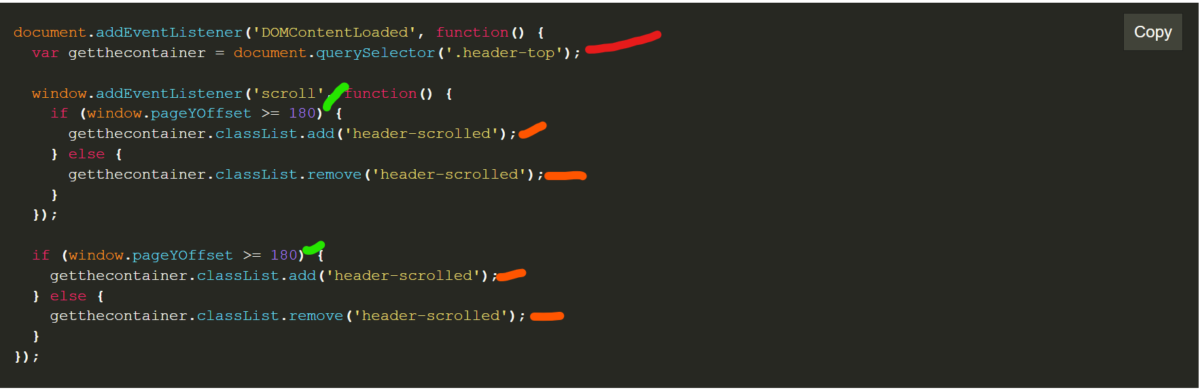
this code checks the page if scrolled 180px or more if it does scrolled add header-scrolled class to the header-top container.
you can change the height or header-scrolled CSS properties to to suit to your needs. I use this method for mostly for sticky header/menu but you can use it for anything.
document.addEventListener('DOMContentLoaded', function() {
  var getthecontainer = document.querySelector('.header-top');
  window.addEventListener('scroll', function() {
    if (window.pageYOffset >= 180) {
      getthecontainer.classList.add('header-scrolled');
    } else {
      getthecontainer.classList.remove('header-scrolled');
    }
  });
  if (window.pageYOffset >= 180) {
    getthecontainer.classList.add('header-scrolled');
  } else {
    getthecontainer.classList.remove('header-scrolled');
  }
});
selecting class
the class will be added/removed after the scroll
pixel number for scroll for adding the orange classes or removing depending on the how many pixel scrolled